Name Flower
 Cuttle Official
Type any name or text to generate a personalized flower. Dots on i's are connected and each layer cuts as a single piece. You can paint the bottom layer with different colors or use a material with a contrasting color.
Video Tutorial
Positioning the Name
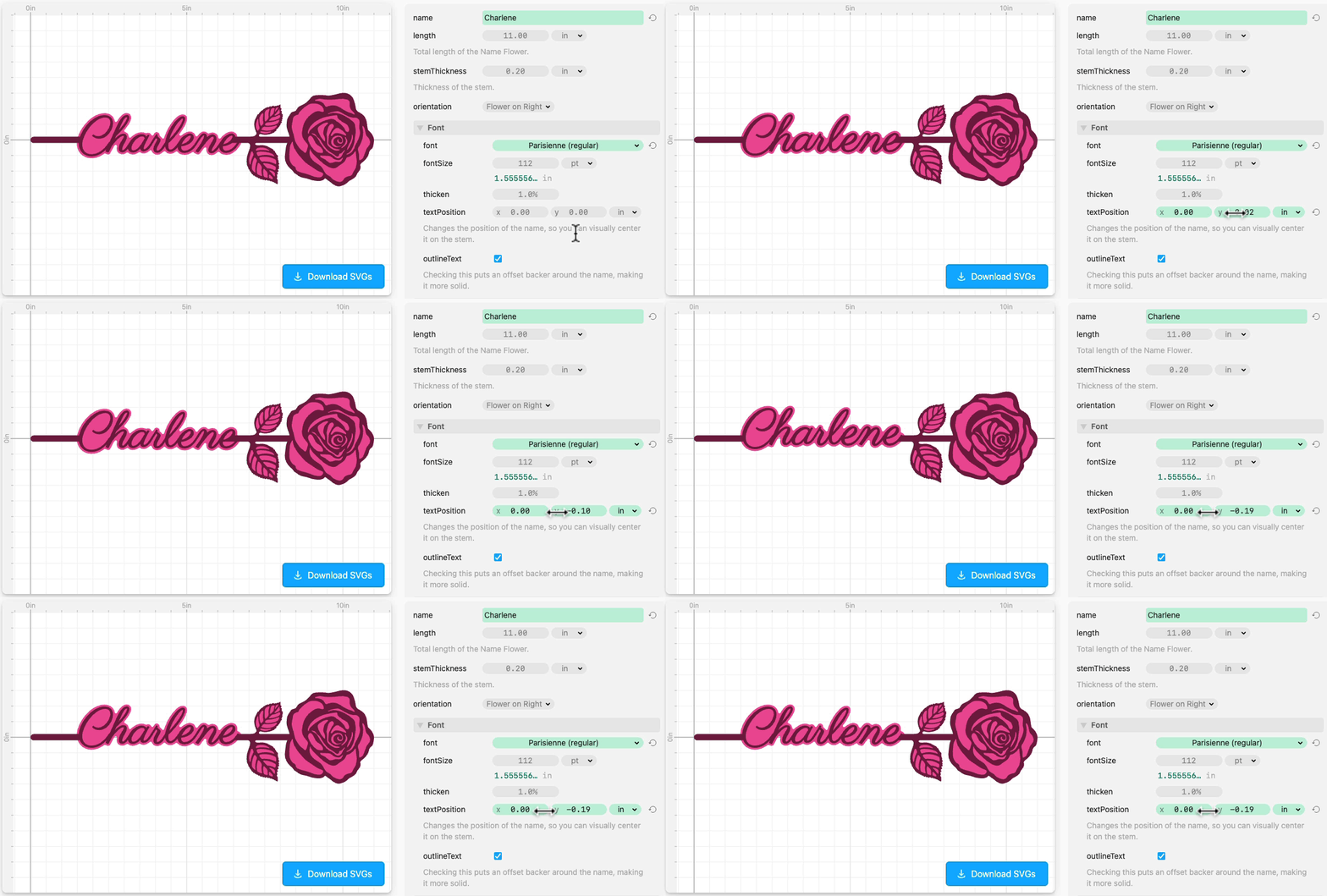
Depending on the name and font, you may want to move the name so that it looks better on the stem.
To do this, open Font and adjust textPosition.
Materials and Painting
Contains affiliate links.
The above example is laser cut from 1/8 inch Baltic Birch Plywood.
We enjoyed using these Montana acrylic paint markers for coloring the bottom layer before gluing. The wide tip makes them really easy to use and the paint is very matte and dries quickly.
You can see these same markers in action on our Laser Cut Name Puzzle Tutorial Video.

You can either use wood glue to attach the pieces, or apply a peel-and-stick adhesive like 3M 468MP to the back of the front layer before cutting.
Credits
The flower artwork was created by Claire Oliphant and Federico Tobon.
This template was developed by Federico Tobon and Toby Schachman.
